(
)
Shopify Analytics: What It Is and How to Use It for Your Business
If you run a Shopify store but haven’t explored Shopify Analytics, you could be missing out on valuable insights about your business.
Introduction
Shopify Analytics provides store owners with essential data on sales, customer behavior, and overall store performance. In this guide, we’ll break down what Shopify Analytics is, its key features, and how you can use its reports to optimize your store’s success.
What Is Shopify Analytics?
Shopify Analytics is a built-in tool that provides real-time data and reports to help store owners make informed decisions. It tracks key metrics such as total sales, visitor activity, conversion rates, and customer behavior. Shopify Analytics offers different levels of data access depending on your plan, with more advanced reporting available on higher-tier plans.
Key Features of Shopify Analytics
Dashboard Overview
The analytics dashboard gives a high-level view of your store’s performance. It includes:Total sales and orders
Online store sessions (traffic)
Conversion rates
Average order value
Returning customer rate
Live View
The Live View feature provides real-time tracking of visitor activity on your store. It shows:Active visitors
Current sales in progress
Customer locations
Device types used by visitors
Reports and Insights
Shopify provides various reports depending on your subscription plan. These include:Sales Reports – Breakdown of revenue by product, time period, or sales channel.
Customer Reports – Data on new vs. returning customers, their purchase habits, and locations.
Acquisition Reports – Insights into where your traffic is coming from (organic search, social media, ads, etc.).
Behavior Reports – Understanding how customers navigate your site, including top pages viewed and cart abandonment rates.
Financial Reports – Profit and loss statements, taxes collected, and other revenue-related data.
How to Use Shopify Analytics to Improve Your Business
Track Sales Trends
Use the Sales Reports to identify trends over time. Look for patterns in peak sales periods, slow seasons, or best-selling products. This information helps with inventory planning and marketing campaigns.Analyze Customer Behavior
The Customer Reports reveal whether most of your buyers are new or returning. If returning customer rates are low, consider launching a loyalty program to encourage repeat purchases.Monitor Conversion Rates
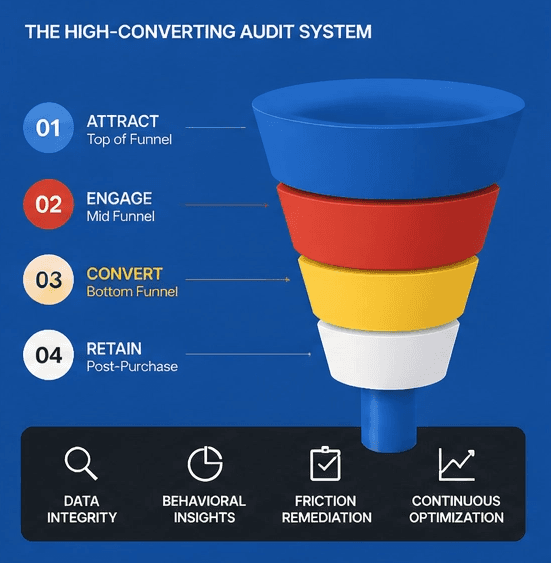
The analytics dashboard includes a conversion funnel, showing how many visitors add products to their cart and complete a purchase. If you see a high cart abandonment rate, you may need to improve checkout flow or offer incentives like free shipping.Understand Traffic Sources
The Acquisition Reports show where your visitors are coming from. If you’re getting a lot of traffic from social media but not seeing conversions, you might need to adjust your messaging or landing pages.Optimize Marketing Efforts
By tracking which marketing channels drive the most revenue, you can allocate your budget effectively. For example, if paid ads bring in high-converting traffic, investing more in that channel might be beneficial.
Final Thoughts
Shopify Analytics is a powerful tool that provides store owners with essential data to optimize sales and improve customer experience. By regularly reviewing your reports and adjusting your strategies based on data insights, you can make better decisions to grow your business. Start exploring your Shopify Analytics today to gain a deeper understanding of your store’s performance!
More Insights
Explore ideas, tips, and trends to elevate your brand.